Driver-ready kits
Phones and tablets prepared with protective accessories, chargers, cables, and mounting hardware selected for daily delivery work.
Industries we serve
The right device program is never one-size-fits-all. We bring wireless service, mobile equipment, fleet technology, deployment, and lifecycle support together around the way your teams actually work.
Explore the equipment and support for your operation.
01 · Last-mile delivery
Keep drivers equipped from the first stop to the last. We coordinate sourcing, activation, setup, accessories, delivery, and ongoing support for new hires, daily replacements, and peak-season demand.
Build your DSP device plan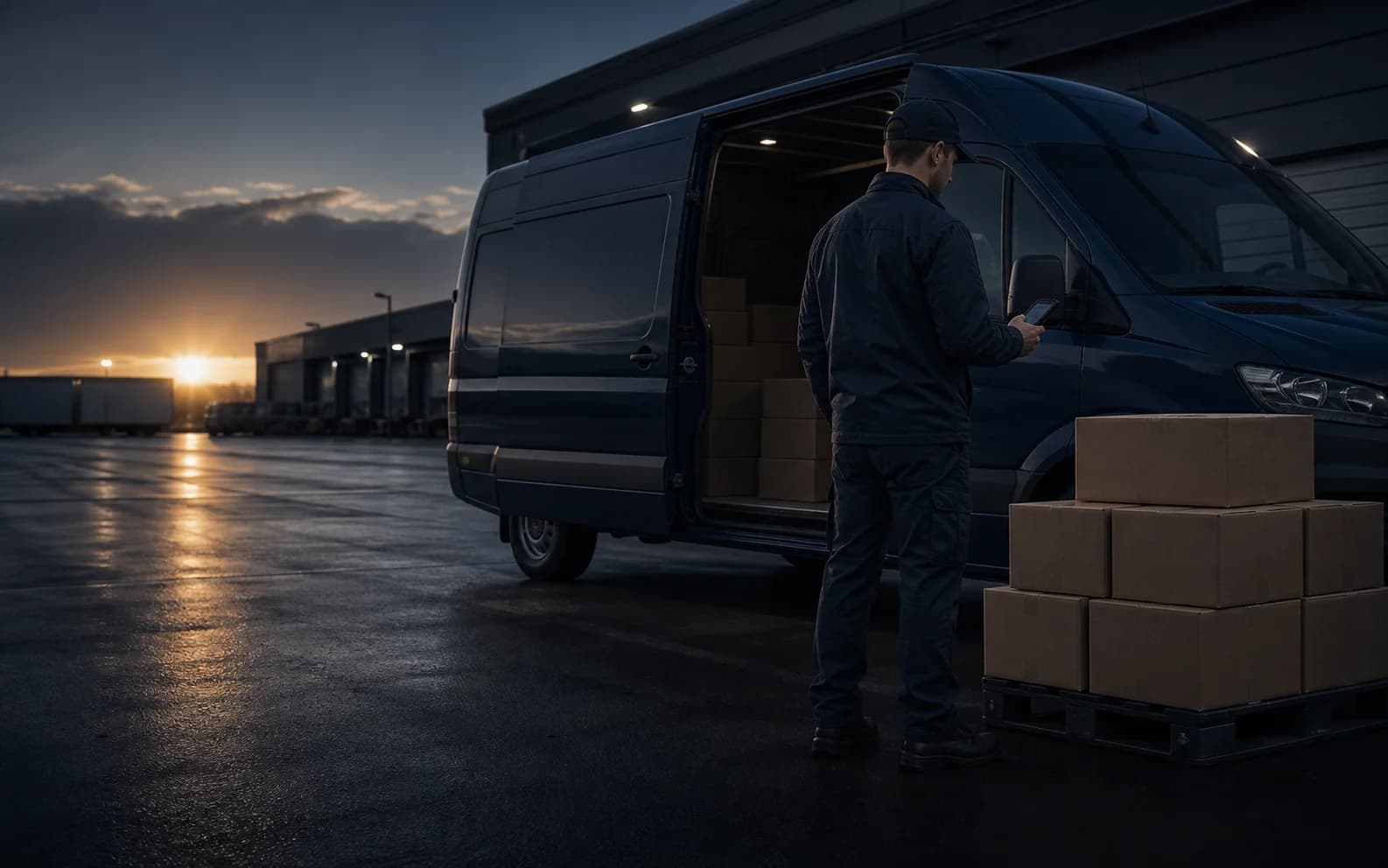
Before the first stop
Devices prepared for the route ahead.
Amazon DSP operations
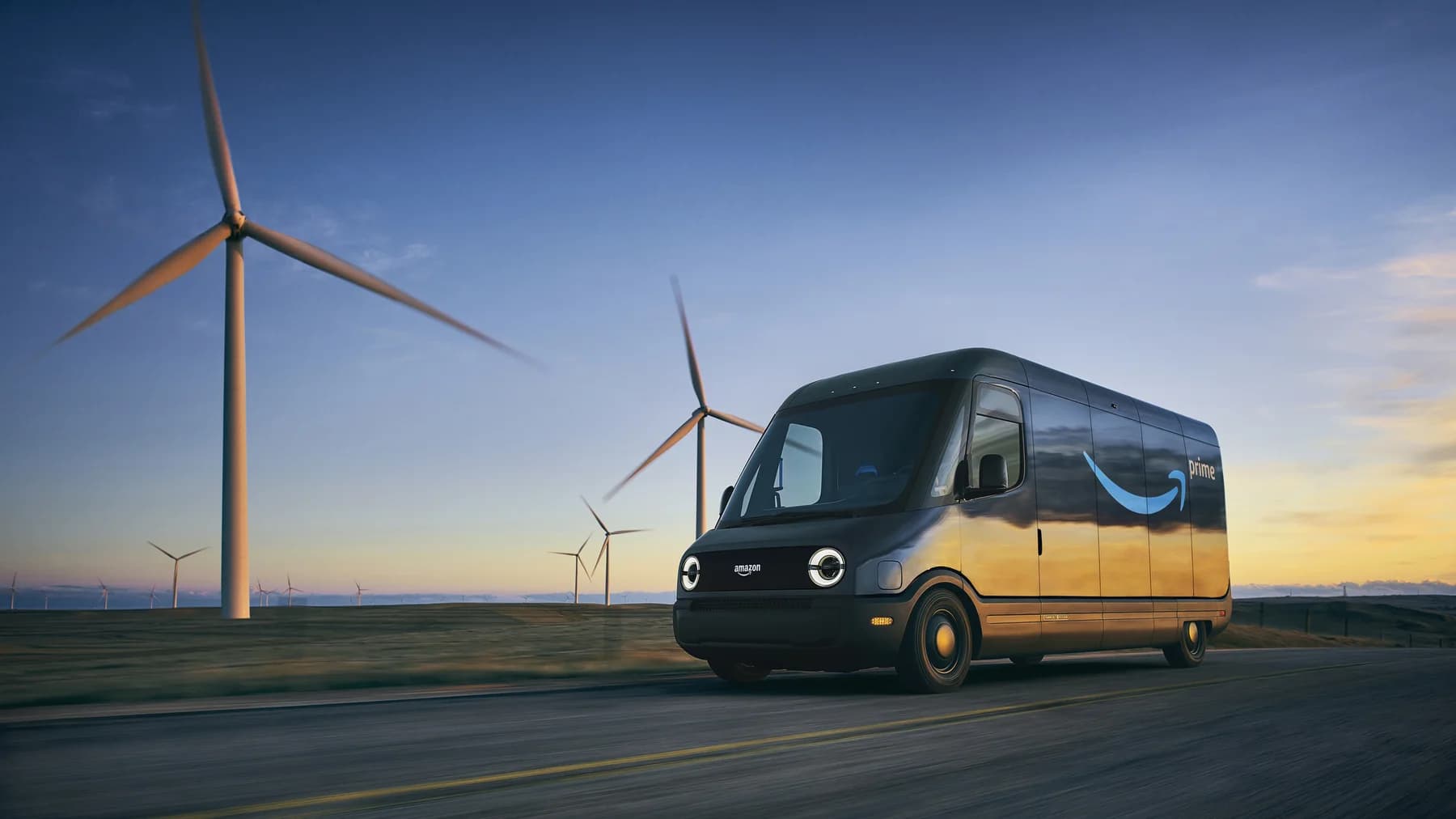
A device program that moves with your fleet.
Phones and tablets prepared with protective accessories, chargers, cables, and mounting hardware selected for daily delivery work.
Approved apps, enrollment, profiles, labels, asset records, and acceptance testing completed before handoff.
Troubleshooting, replacement coordination, recovery, and refresh organized around the realities of a working station.
Structured ordering, planned spares, and repeatable new-hire kits that make seasonal growth easier to coordinate.
Compare Motorola Moto G and Samsung Galaxy A phones for battery capacity, 5G connectivity, and physical RAM, then build the device program around your delivery apps and shift needs.
Amazon and Amazon DSP references identify the customer segment and do not imply endorsement. Program details, device compatibility, carrier service, and support terms vary by deployment.
All industriesPeople-first operations
Mobile work becomes personal in a patient’s home and on a child’s route. The technology should add clarity without losing sight of privacy, access, and the people involved.
02 · Home healthcare
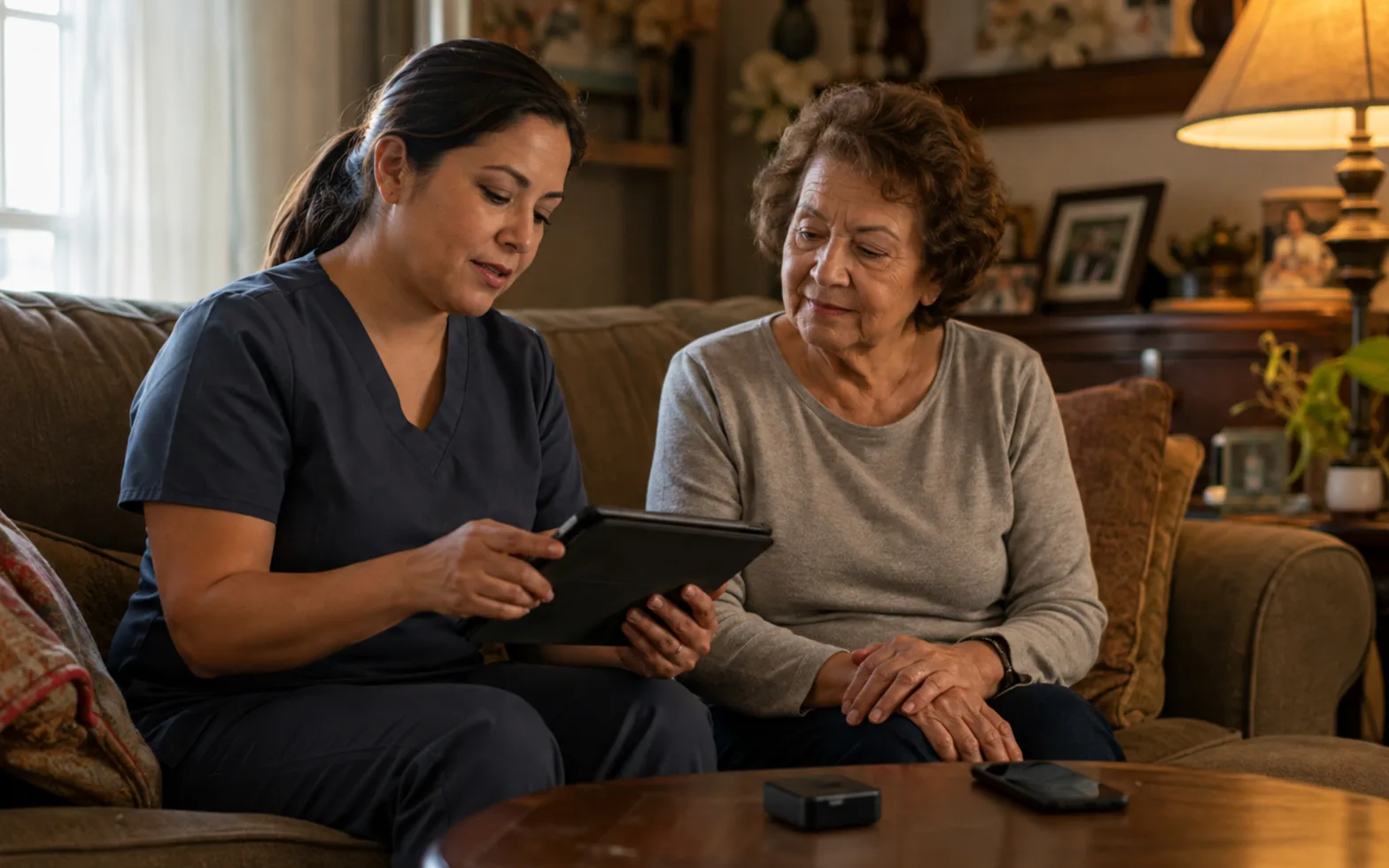
Support EVV check-ins, scheduling, care-team communication, telehealth, and remote monitoring with business-ready phones, tablets, and connectivity selected for field care.
Employee experience
Reliable, familiar tools and a clear support path are one practical part of helping caregivers feel supported in the field.
EVV, telehealth, and privacy requirements vary by state, payer, platform, and workflow. We support the equipment and connectivity layer.
All industries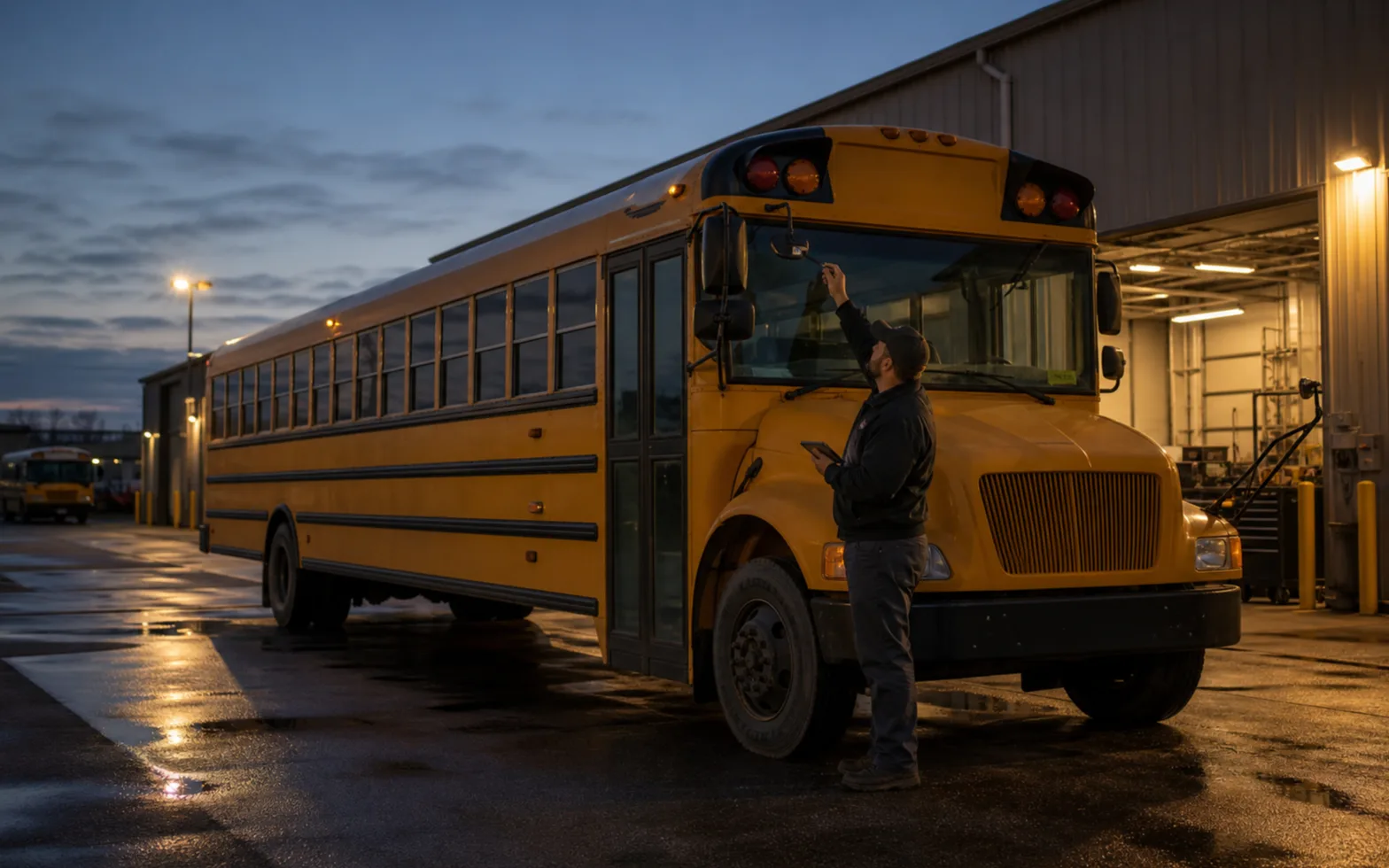
03 · School transportation
Connect forward-road, driver, and cabin cameras with vehicle location and authorized access, giving transportation teams better context for incident review and focused coaching.
Our parent-visibility recommendation
Help families know when the bus is approaching through secure, district-approved route and arrival updates. Keep live interior video and student information limited to authorized staff.
Field and fleet operations
Route data, current documents, vehicle context, and reliable communications belong where the work happens—not only back at headquarters.
04 · Waste & recycling
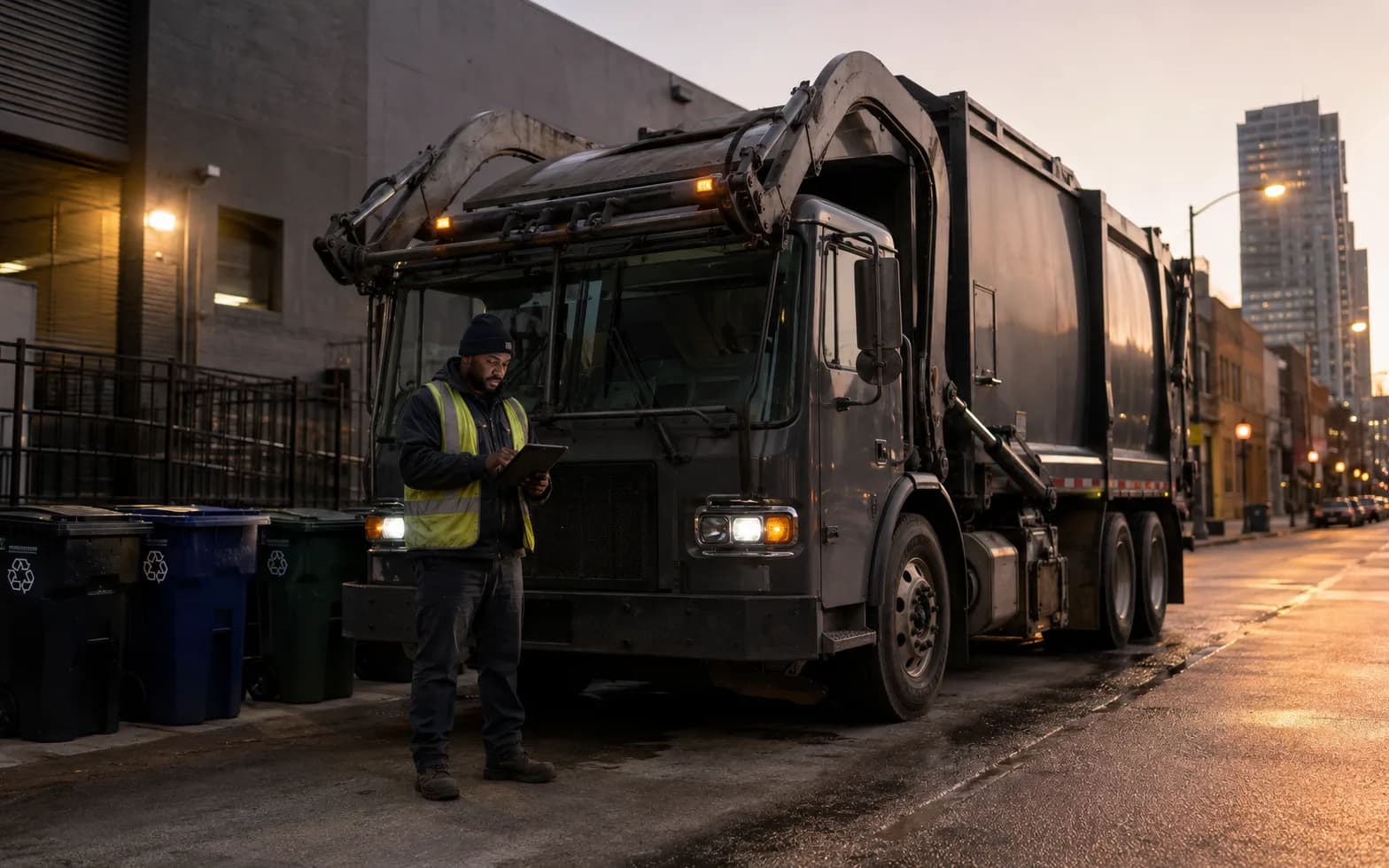
Equip collection, transfer, and recycling teams with mounted phones, tablets, hotspots, and mobile data for route updates, service photos, GPS-enabled fleet tools, and electronic records.
Devices and mounts should support eyes-up, hands-free use where vehicles or equipment are operating. Coverage and platform capabilities vary by site.
05 · Construction
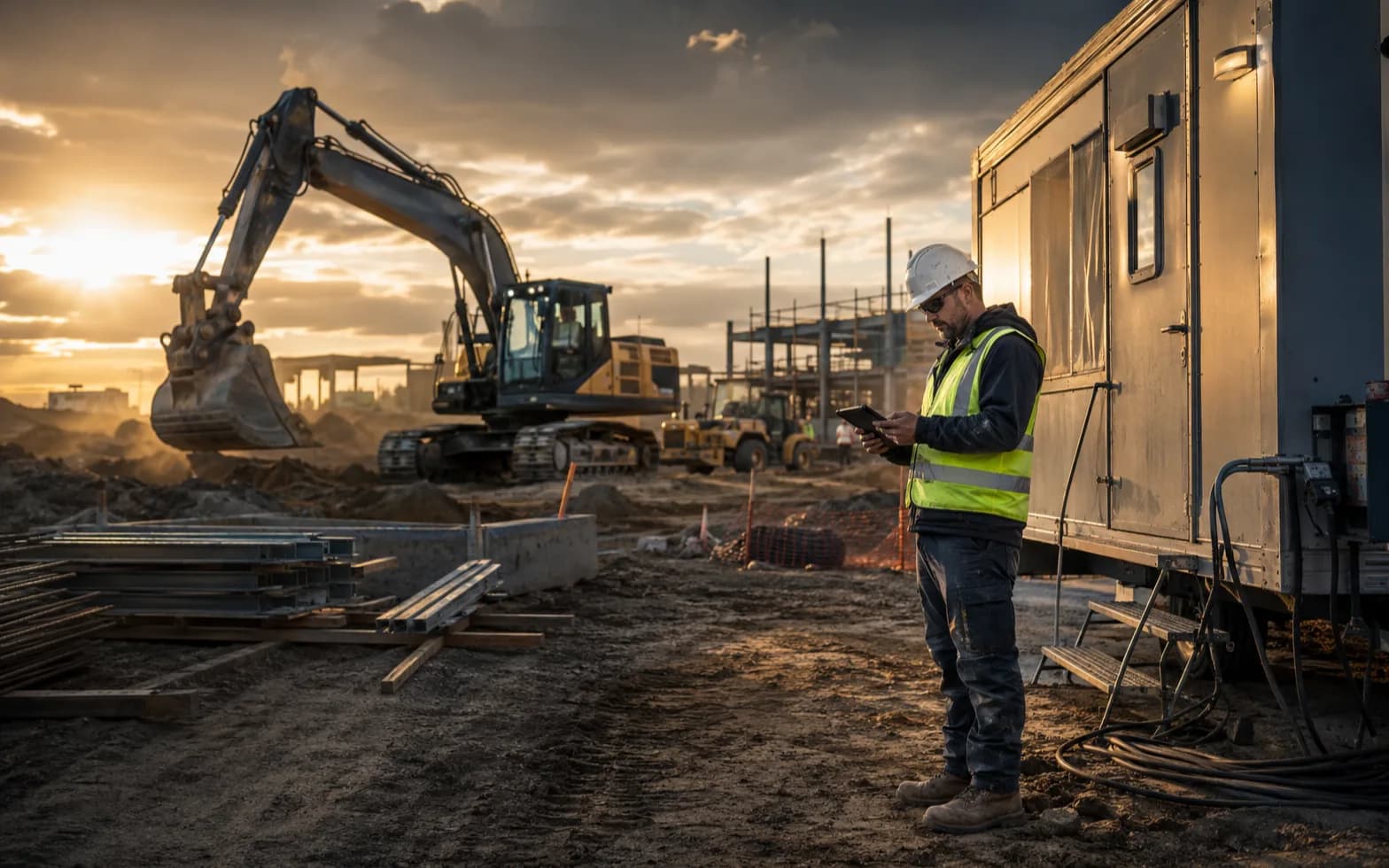
Put current plans, inspections, field forms, photos, and digital tickets within reach with jobsite-ready devices, mobile connectivity, and a deployment plan built around changing sites.
Devices and mounts should support eyes-up, hands-free use where vehicles or equipment are operating. Coverage and platform capabilities vary by site.
06 · Warehouses & distribution
Equip receiving, picking, packing, and shipping teams with rugged barcode-scanning devices, warehouse Wi-Fi, and cellular connectivity where it fits the site. We prepare the hardware and approved apps around your inventory workflows and shift needs.
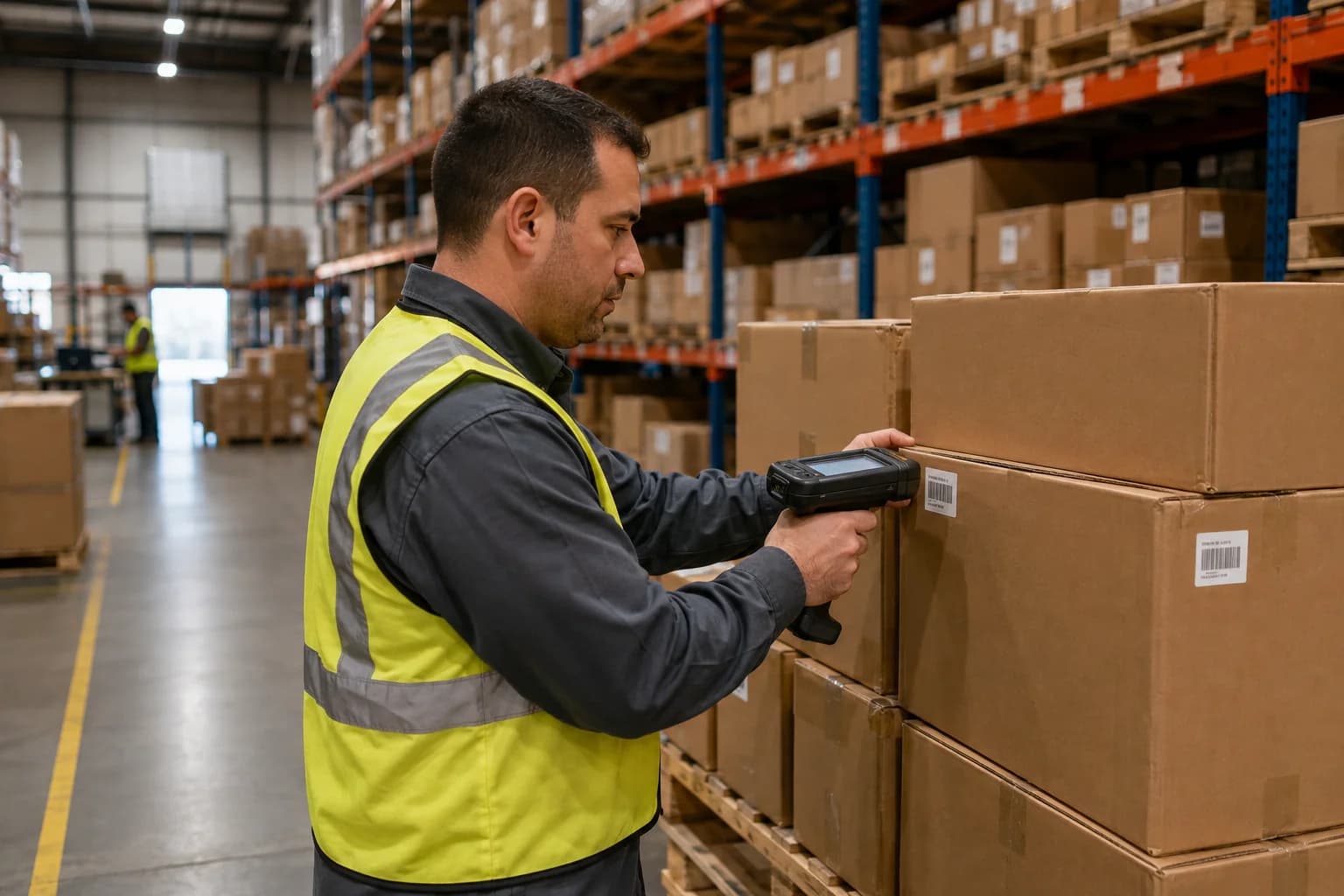
We match devices and scan input to your existing warehouse software. Coverage, scanning distance, and app compatibility are checked for your operation.
All industriesCommerce and community
From a mobile checkout to a student hotspot, successful access programs depend on equipment, service, preparation, and ownership moving together.

07 · Retail
Connect staffed lanes, pop-ups, curbside teams, and self-service experiences with tablets, hotspots, dedicated lines, and deployment-ready mobile point-of-sale and kiosk equipment.
Connectivity is designed to fit your approved payment environment; security and payment compliance depend on the complete system.
08 · Nonprofits
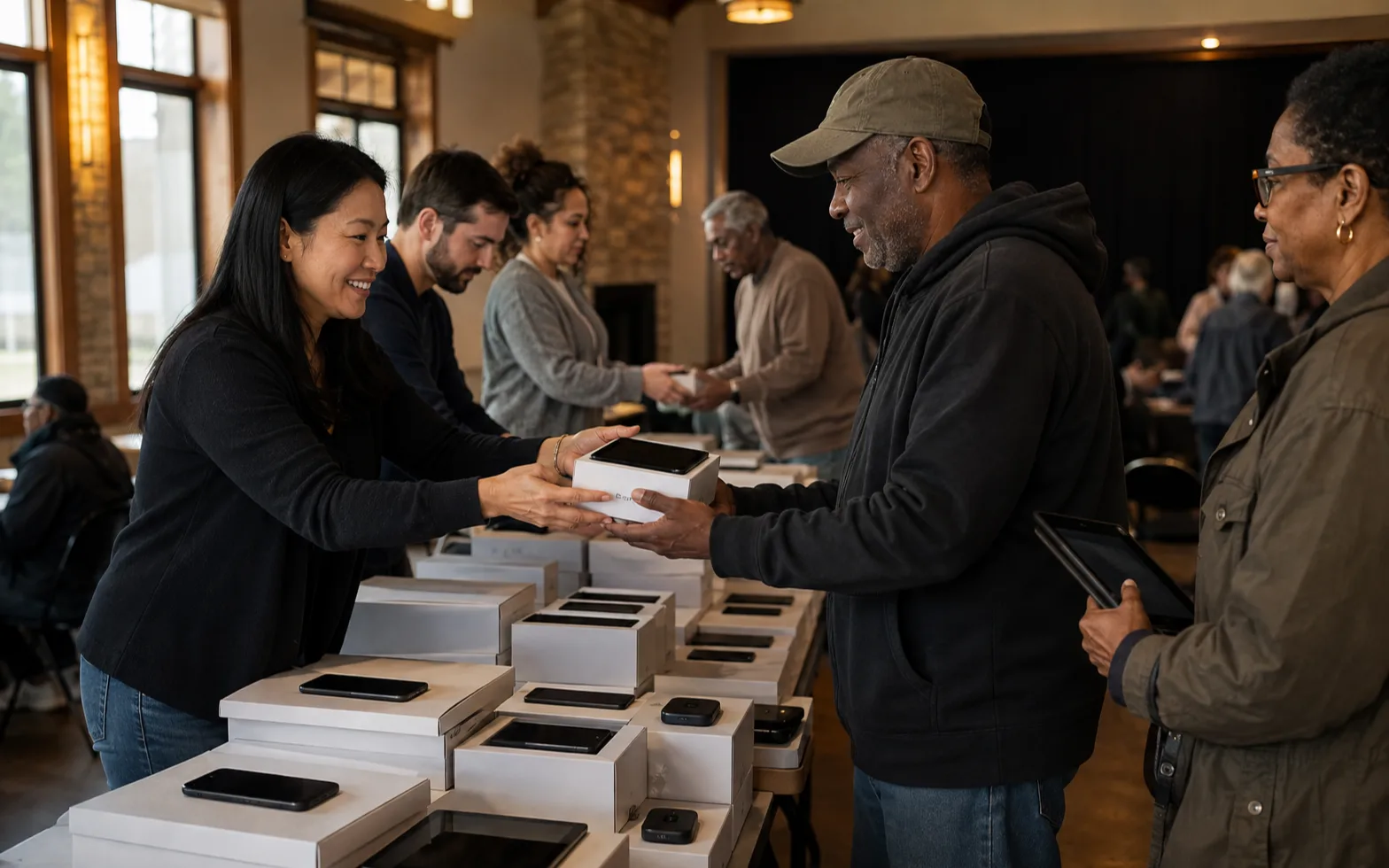
Equip outreach teams, mobile-intake programs, and the people you serve with phones, tablets, and hotspots sized to the approved budget, coverage needs, and rollout plan.
Eligibility and allowable costs are set by each funding source. Wireless Allies does not award funds or guarantee reimbursement.

09 · Education
Standardize tablets and hotspots for digital coursework, temporary connectivity, and remote support, with a clear plan for activation, distribution, administration, and return.
Funding eligibility varies by program; device, connectivity, privacy, and content-filtering responsibilities remain separate decisions.
The use case changes. The discipline stays connected from planning through retirement.
Your operation belongs here
Share the people, vehicles, locations, devices, and timing behind your program. We will help turn them into a practical deployment plan.
Start with three details