Wireless solutions for business

Keep your
business connected.

Keep essential systems online. Equip the field. See your remote sites. Bring the right hardware, carrier connectivity, and deployment support together for the way you work.

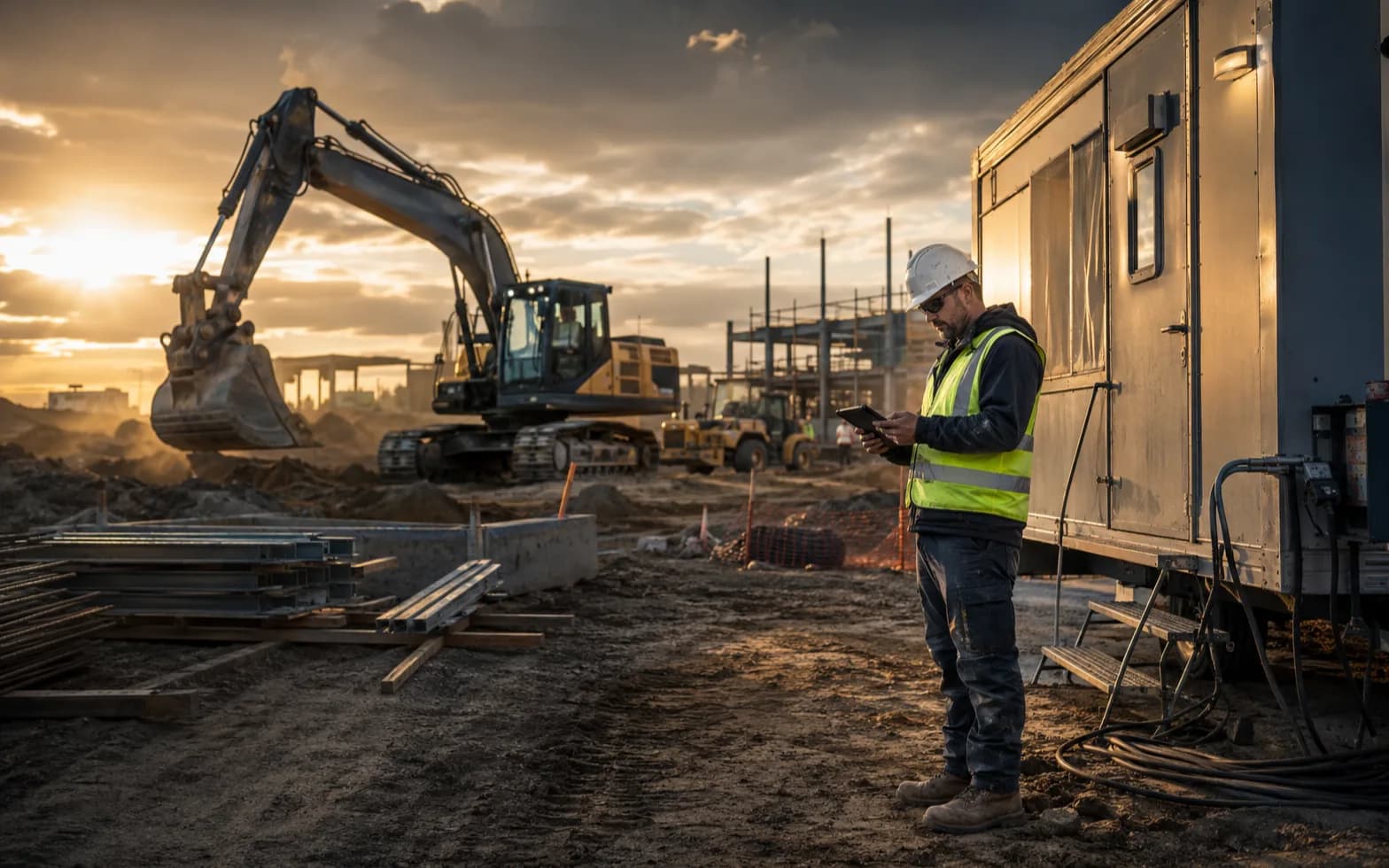
Construction foreman using a rugged tablet beside an excavator and job trailer

Built around the place you work.

Business locations · Field teams · Remote sites

01 · Motorola & Samsung

Business Mobility

Devices for the shift.
Support for the whole fleet.

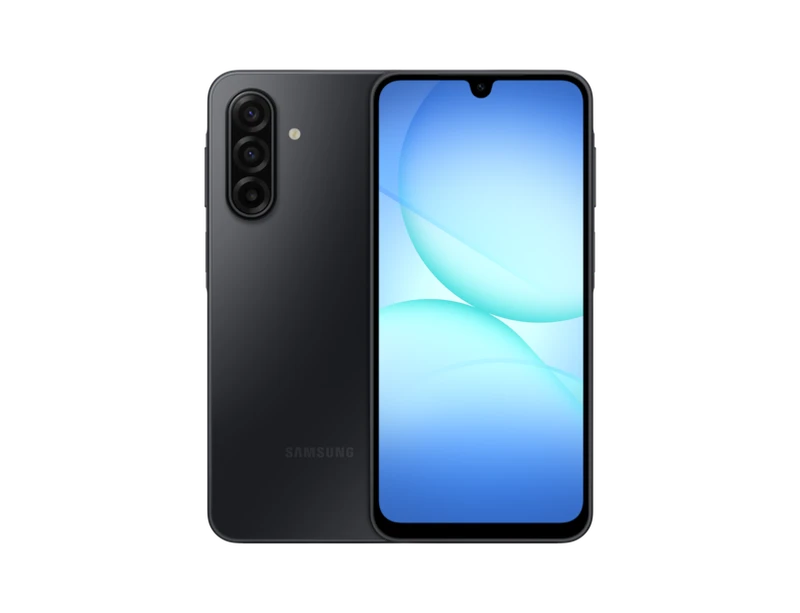
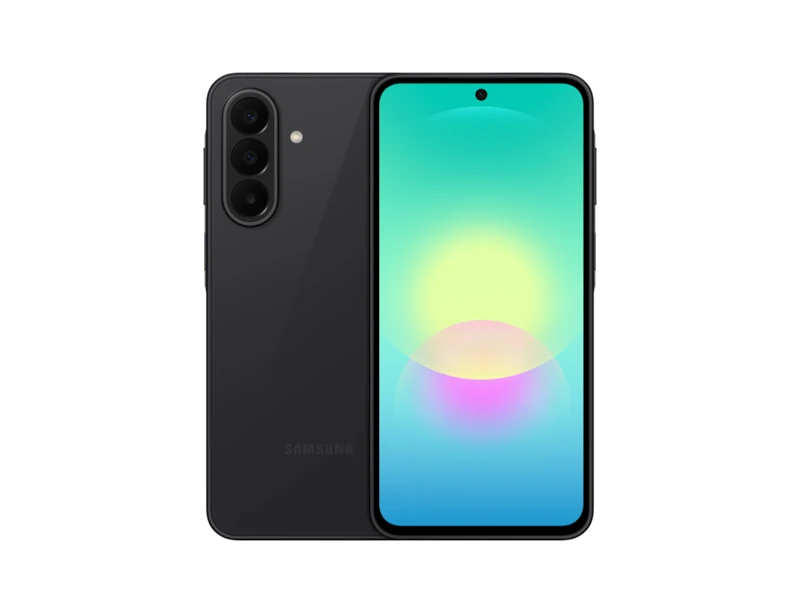
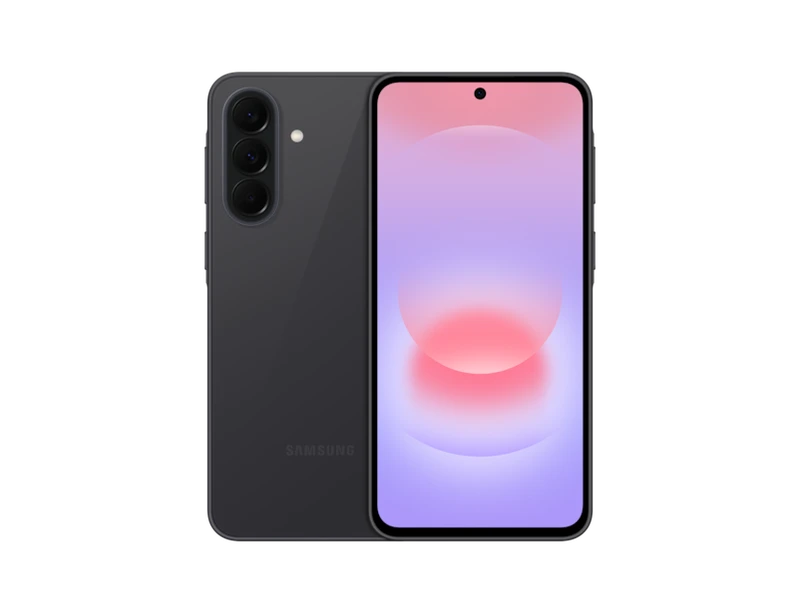
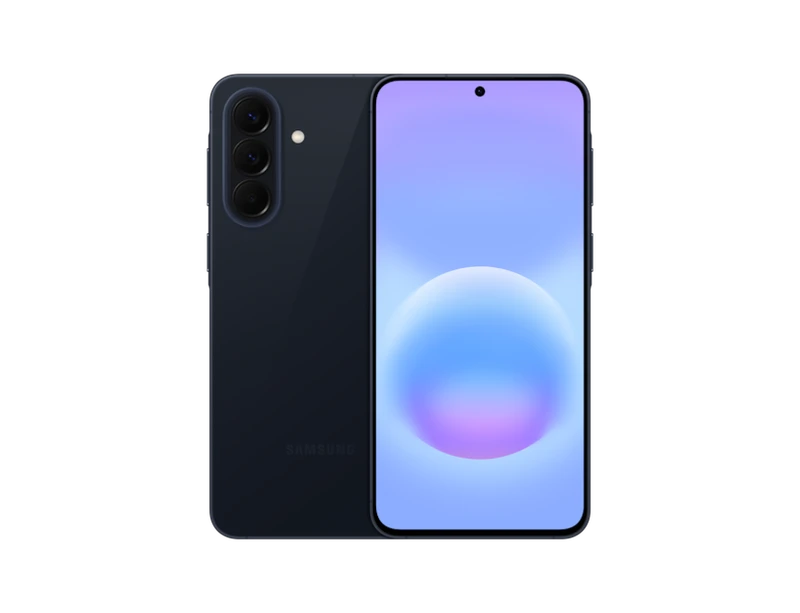
Equip delivery drivers, field teams, and mobile staff with Motorola or Samsung phones and 5G tablets. Choose a manufacturer below, then compare the current phone lineup and its connected tablet option without scrolling through two duplicate sections.

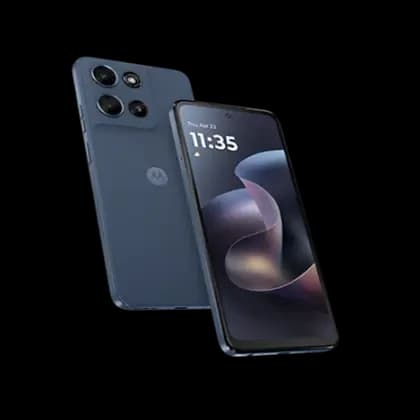
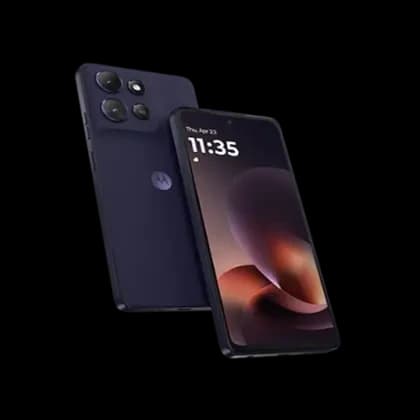
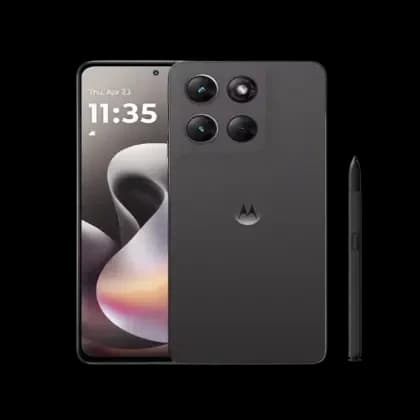
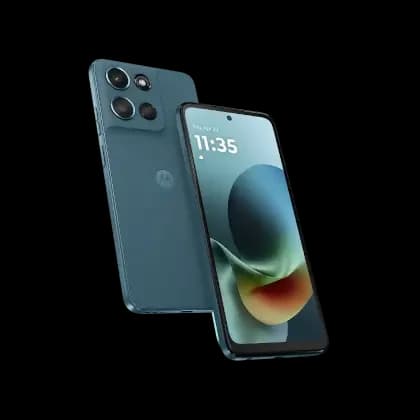
Motorola Moto G series

Ready for the daily route.

Long-lasting battery life

All four Motorola phones have a 5,200mAh battery. Motorola rates Play, Moto G, and Power for up to two days, and Stylus for up to 44 hours. Navigation, screen brightness, signal, and work apps affect actual runtime.

Choose RAM around the workload

Play and Moto G have 4GB of physical RAM. Power and Stylus have 8GB for more multitasking headroom. RAM Boost uses storage as virtual memory and is separate from these figures.

Moving from LTE to 5G? The Moto G Play (2024) (opens in a new tab) is LTE-only. All four featured Motorola 2026 phones support 5G and 4G LTE.

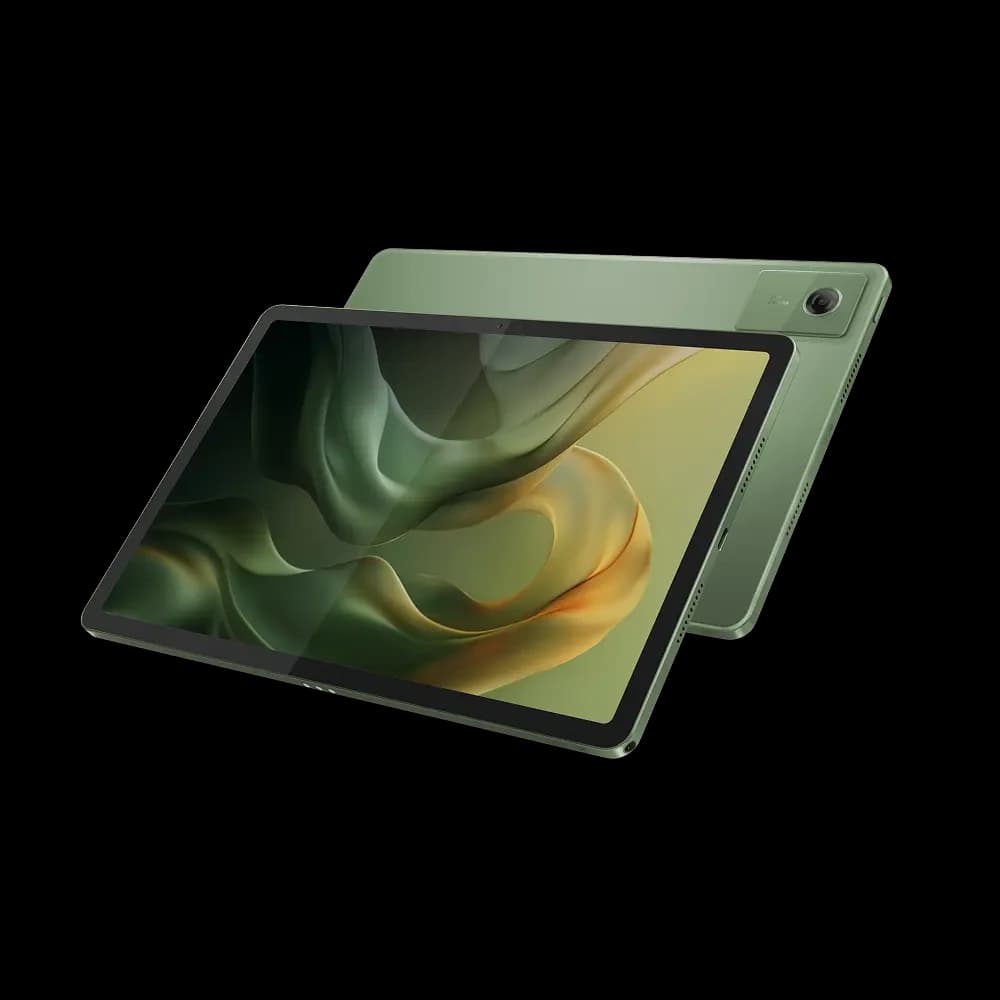
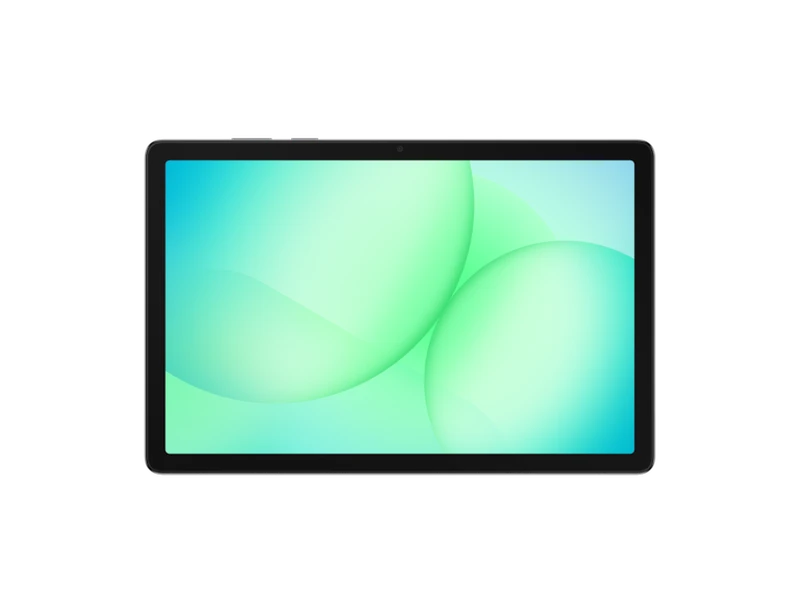
Motorola Moto Pad 2026 in Pantone Bronze Green, front and back

Motorola · 5G tablet

Moto Pad (2026)

Connected beyond Wi-Fi

Review forms, documents, and work orders on an 11-inch screen. Built-in 5G keeps compatible work apps connected when your team moves beyond Wi-Fi.

Four Dolby Atmos speakers

Display
11-inch · 2.5K · 90Hz
RAM
8GB physical
Storage
128GB
Battery
7,040mAh

The U.S. cellular model supports T-Mobile and Metro service. An eligible plan and coverage are required.

Explore Moto Pad on Motorola’s website (opens in a new tab)

Specifications shown are for U.S. models. Storage available to users is lower. Charging figures are device maximums and require a compatible charger. Carrier eligibility, software requirements, accessories, and availability are confirmed for each deployment.

Previous-generation models

More ways to fit the device budget.

When the newest model is not necessary, recent prior-generation devices can be a practical way to reduce acquisition cost while keeping teams productive. We match the generation to your carrier, software requirements, device condition, and expected lifecycle.

Value-oriented alternatives

Proven models from prior generations.

The latest devices remain our starting point, but one- or two-generation-old hardware can make sense when budget is the priority. We confirm carrier compatibility, software support, storage, condition, and sourcing before recommending a specific model.

Motorola

Moto G alternatives

Motorola did not release a U.S. Moto G Play (2025). The 2024 Play is the prior-generation LTE option.

Selected configurations shown; memory and storage vary by region and carrier. RAM figures are physical memory. Charging speeds require a compatible charger. Previous-generation inventory is subject to carrier, storage, color, condition, and sourcing availability. Wireless Allies validates the exact device configuration for each deployment.

Putting phones on delivery routes?

Connect your device choice with an Amazon DSP program for setup, vehicle accessories, new hires, replacements, and peak-season needs.

Explore Amazon DSP support
All solutions

02 · Equipment for demanding work

Rugged Devices
& Industrial Routers

From a phone carried across a jobsite to a tablet mounted in a truck, the equipment needs to suit the environment. We source and prepare rugged phones, tablets, and industrial routers around the conditions they will face.

Field teamsVehiclesWarehousesRemote equipment
Find the right rugged equipment
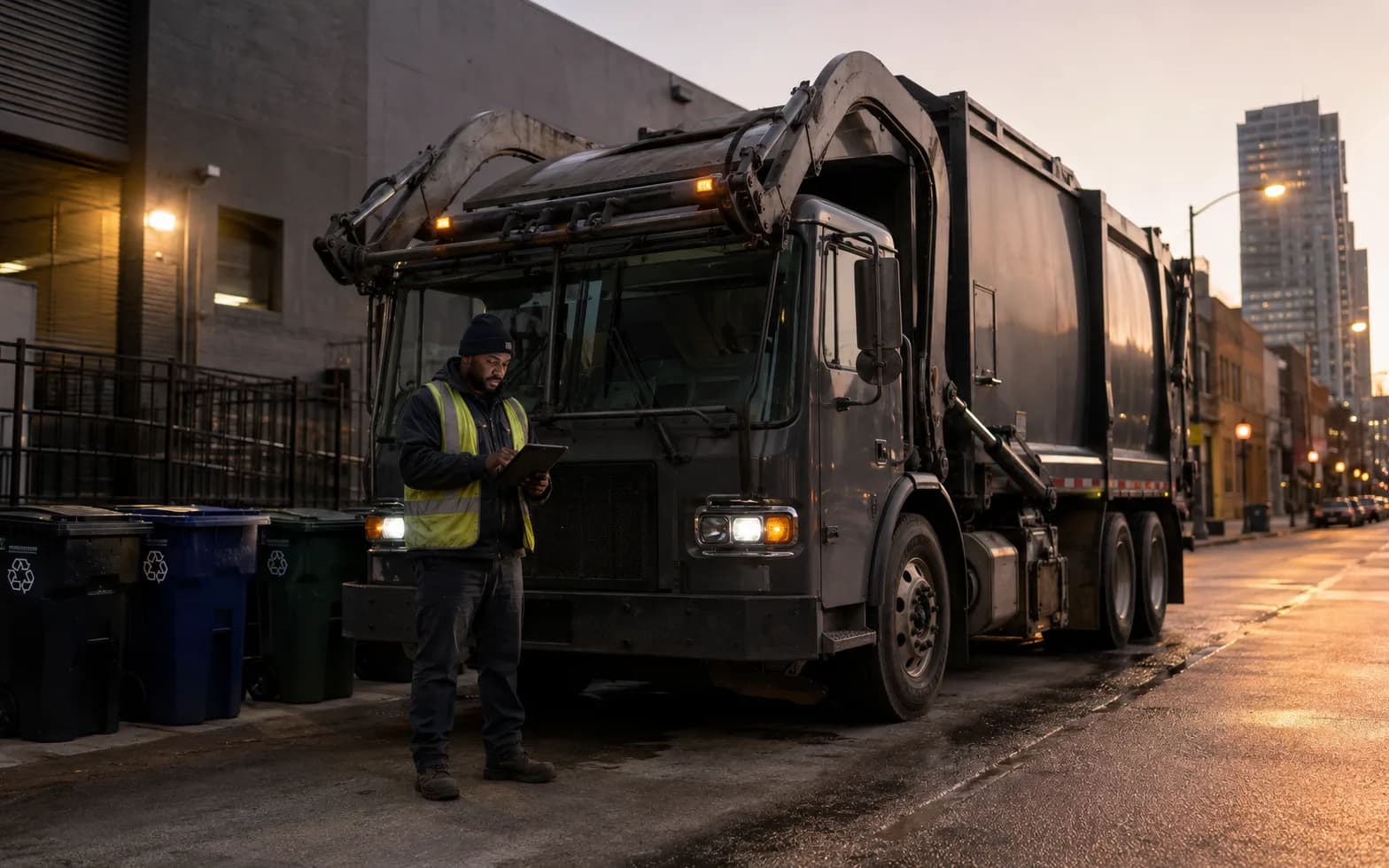
Collection driver reviewing route information on a rugged tablet beside a commercial truck
Devices, mounts, power, and connectivity selected together.

Phones & tablets

Match durability, screen visibility, battery needs, accessories, and approved apps to daily field use.

Industrial routers

Select connectivity, temperature ratings, vibration tolerance, mounting, and power input for the installation.

Outdoor conditions

Review heat, cold, dust, water, and direct sun. Temperature tolerance alone does not make equipment weatherproof.

Samsung & Sonim rugged devices

Explore Samsung Galaxy XCover phones, Galaxy Tab Active tablets, and Sonim rugged phones. We prepare the devices with the apps, accessories, and connectivity your operation needs.

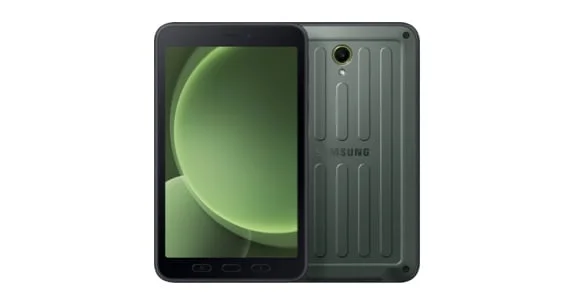
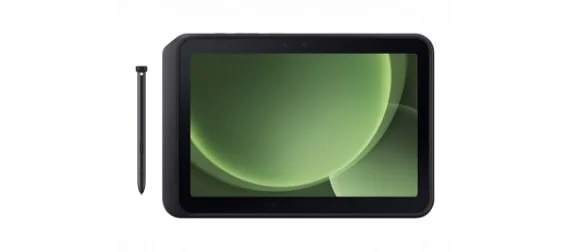
Samsung Galaxy Tab Active5 rugged tablet, front and back

Compact rugged tablet

Galaxy Tab Active5

5G or Wi-Fi6GB physical RAM

An 8-inch tablet for teams moving between vehicles, warehouses, and customer sites. Use the included S Pen for forms and field notes, with a replaceable battery.

Battery capacity
5,050mAh
Built-in storage
128GB
Display
8-inch
Protection rating
IP68
View Samsung specifications for Galaxy Tab Active5 (opens in a new tab)
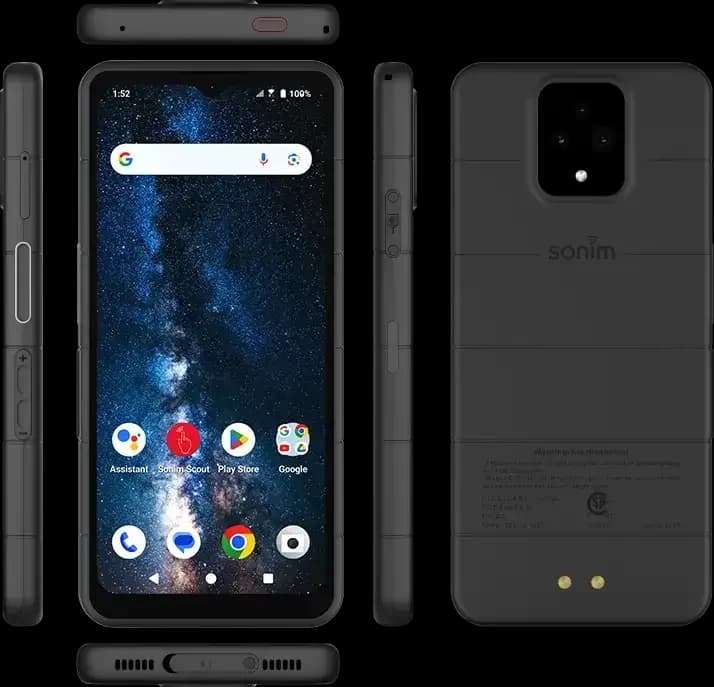
Sonim XP Pro rugged smartphone shown from the front, back, and sides

Rugged 5G smartphone

XP Pro

5G + 4G LTE8GB physical RAM

A rugged smartphone for demanding field work, with loud dual speakers and a programmable push-to-talk button for compatible services.

Battery capacity
5,000mAh
Built-in storage
256GB
Display
6.58-inch
Protection rating
IP68 / IPX9K
View Sonim specifications for XP Pro (opens in a new tab)

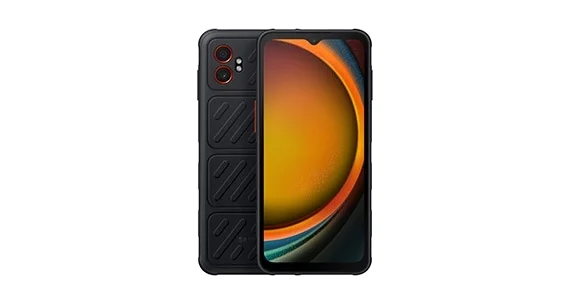
Already using Galaxy XCover6 Pro? We can review your existing fleet, apps, and accessories when planning replacements or an upgrade to XCover7 Pro.

Need thermal imaging? The Sonim XP Pro Thermal (opens in a new tab) adds a built-in FLIR thermal camera for equipment and maintenance inspections.

Selected configurations shown. RAM is physical memory; available storage is lower. Tab Active5 Pro also offers 8GB RAM / 256GB storage. Tablet connectivity varies by model. Model availability, carrier compatibility, and accessories are confirmed for each project. Durability ratings apply under manufacturer test conditions; battery, glove, and push-to-talk features have model-specific requirements.

Previous-generation models

More ways to fit the device budget.

When the newest model is not necessary, recent prior-generation devices can be a practical way to reduce acquisition cost while keeping teams productive. We match the generation to your carrier, software requirements, device condition, and expected lifecycle.

Value-oriented alternatives

Proven models from prior generations.

The latest devices remain our starting point, but one- or two-generation-old hardware can make sense when budget is the priority. We confirm carrier compatibility, software support, storage, condition, and sourcing before recommending a specific model.

Samsung rugged

Rugged field-device alternatives

Galaxy Tab Active3 official manufacturer product image

Compact rugged tablet

Galaxy Tab Active3

4G LTE + Wi-Fi4GB physical RAM

An 8-inch rugged tablet with S Pen and a replaceable battery for existing-fleet planning. Cellular models use LTE; confirm software support for the intended lifecycle.

Battery capacity
5,050mAh
Built-in storage
64GB
Display
8-inch
View Samsung specifications for Galaxy Tab Active3 (opens in a new tab)

Samsung rugged devices use longer product cycles, so these alternatives extend beyond the last one or two model years.

Selected configurations shown; memory and storage vary by region and carrier. RAM figures are physical memory. Charging speeds require a compatible charger. Previous-generation inventory is subject to carrier, storage, color, condition, and sourcing availability. Wireless Allies validates the exact device configuration for each deployment.

All solutions

03 · Zebra cellular mobile computers

Barcode Scanning
& Mobile Data Capture

Scan the item. Keep the work moving.

Bring dedicated barcode scanning and business applications together in one cellular-connected handheld. Zebra mobile computers help teams capture inventory, deliveries, and asset information, then share updates from the warehouse floor to the next stop on the route.

Inventory & receivingPickup & deliveryAsset trackingField service
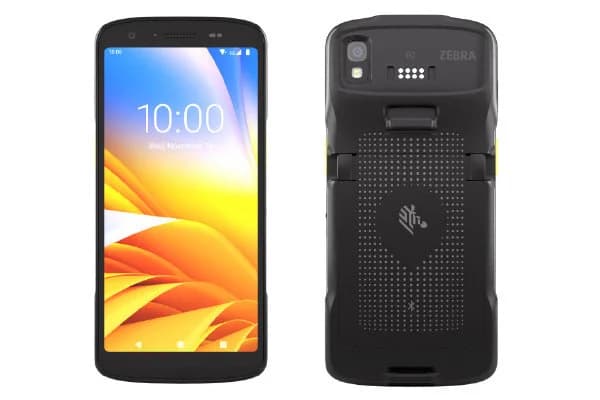
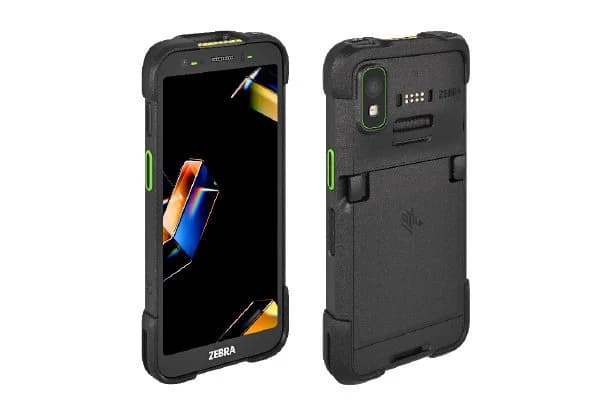
Zebra TC27 mobile computer, front and back views of the TC22/TC27 device family

Zebra

TC27

Everyday mobile scanning

A compact handheld for stock checks, deliveries, and field service. Combine a dedicated barcode scanner with business apps and cellular access on the move.

  • 5G and Wi-Fi 6E
  • 1D/2D scan-engine options
  • 6-inch touchscreen
Explore Zebra TC27 (opens in a new tab)
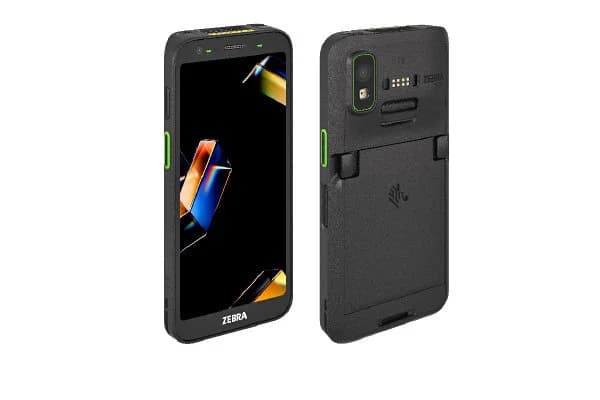
Zebra TC501 rugged mobile computer, front and back

Zebra

TC501

Delivery & field workflows

A rugged handheld for teams combining frequent scans, delivery photos, and business applications, with scanner choices matched to the work and reading distance.

  • 5G and Wi-Fi 7
  • Standard or long-range scanner options
  • Hot-swap battery support
Explore Zebra TC501 (opens in a new tab)
Zebra TC701 ultra-rugged mobile computer, front and back

Zebra

TC701

Demanding field environments

An ultra-rugged handheld for intensive scanning in harsh conditions, with barcode capture, field apps, and housing built for repeated drops and tumbles.

  • 5G and Wi-Fi 7
  • Standard or long-range scanner options
  • Ultra-rugged housing
Explore Zebra TC701 (opens in a new tab)
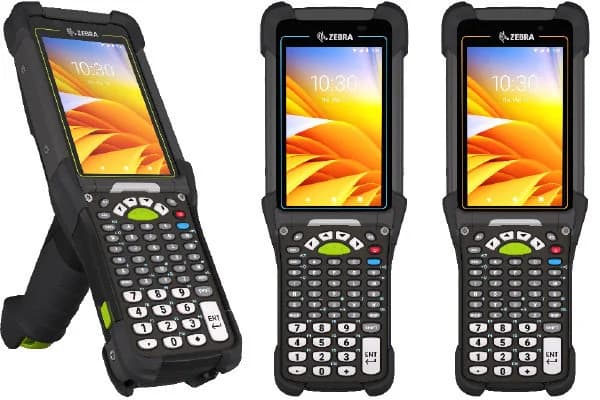
Zebra MC9450 trigger-grip mobile computer, illustrated with MC9400/MC9450 family keypad options

Zebra

MC9450

Warehouses, ports & yards

A trigger-grip computer for inventory and shipment scans. Physical keys support data entry, while cellular data connects teams across large sites.

  • Public or private 5G data
  • Extended-range SE58 scanner option
  • Trigger grip and physical keypad
Explore Zebra MC9450 (opens in a new tab)

Make every scan part of the workflow.

We match the hardware to the task and prepare the devices for your team’s applications, connectivity, and daily use.

  • Barcode types, label condition, and scanning distance
  • App compatibility, scan-input setup, and sample-label testing
  • Carrier service, device management, chargers, and rollout kits

We confirm model availability, carrier compatibility, scan-engine configuration, and app licensing for each deployment. Cellular service requires a compatible plan; MC9450 cellular connectivity is data-only. Scanning range and durability depend on the selected configuration and operating conditions.

All solutions

04 · Katalyst & Reolink

Cellular Surveillance

See the site. Wherever work takes you.

Bring remote visibility to parking lots, manufactured-home communities and trailer parks, construction sites, and mobile events with Katalyst and Reolink cellular cameras. We help select, prepare, and install equipment around the views you need.

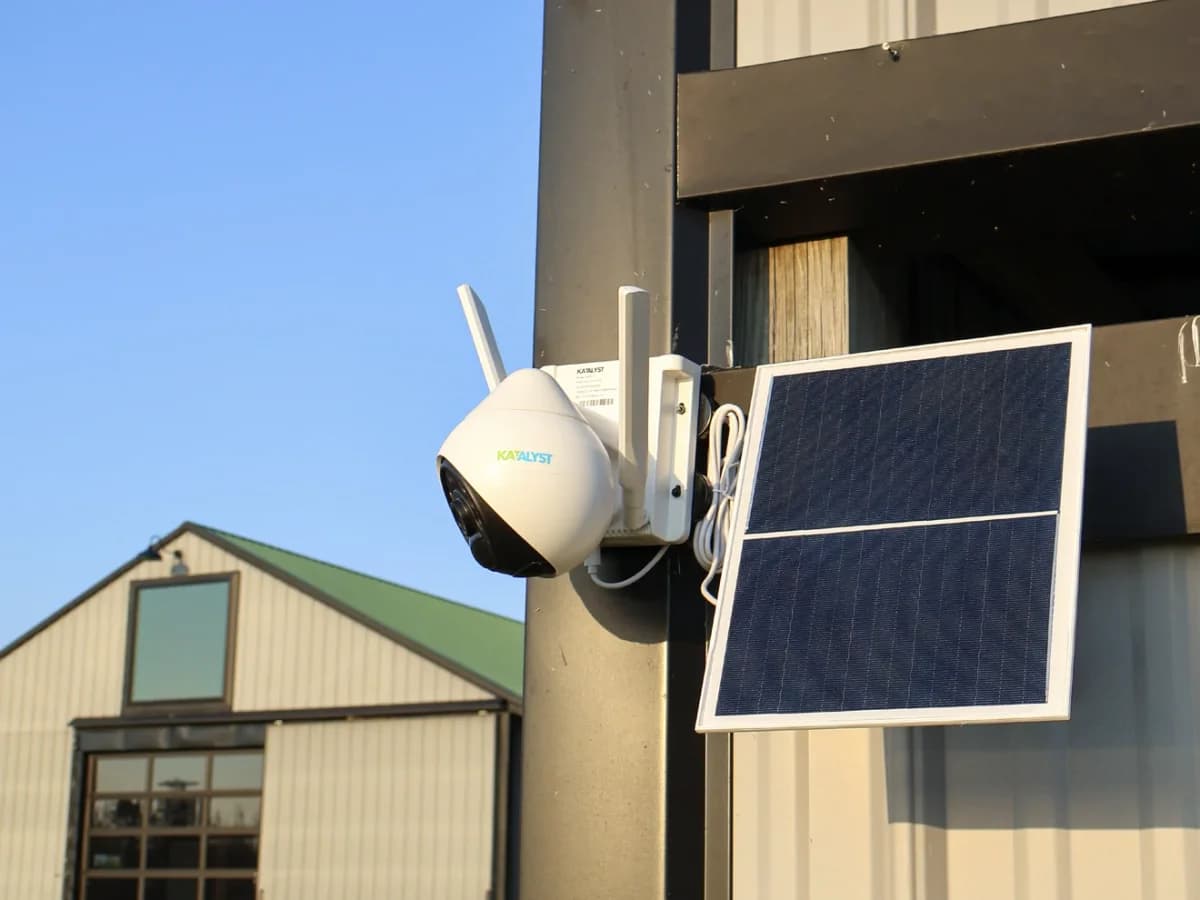
Katalyst Hawk cellular camera and solar panel mounted on a commercial building

Katalyst

Hawk C401B

A solar-powered LTE camera with a rechargeable battery and pan-and-tilt viewing. Access live video, recordings, and alerts through the O-Kam Pro app.

  • LTE connectivity
  • Solar panel and battery
  • Remote viewing and alerts
Explore Katalyst Hawk (opens in a new tab)
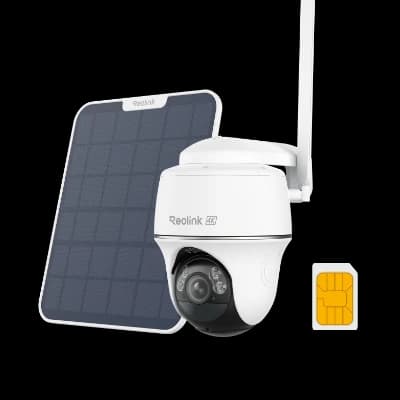
Reolink Go PT Ultra cellular camera with a solar panel

Reolink

Cellular camera range

4G LTE cameras, including the Go PT Ultra, with battery and compatible solar power options. Choose the model around your viewing area, recording needs, and access through the Reolink app.

  • 4G LTE camera options
  • Battery and solar options
  • Model-specific recording features
Explore Reolink cellular cameras (opens in a new tab)

A plan for the whole site.

Camera model, cellular plan, and installation conditions determine the right setup.

  • Carrier compatibility and signal at each camera
  • Battery, solar exposure, and mounting position
  • Recording, storage, alerts, and data usage
  • App setup, authorized access, and handoff

An active compatible cellular plan is required. Solar performance, recording modes, and storage options vary by model and site. Continuous recording and staffed monitoring are separate requirements to discuss when planning.

All solutions

05 · Hotspots, mobile routers & plug-in cellular

Mobile Connectivity

Bring business internet with you.
Move it when the work moves.

Connect job trailers, temporary offices, pop-up locations, events, field teams, laptops, and purpose-built equipment with the right mobile hotspot, mobile router, or plug-in cellular device. We match the hardware, carrier service, accessories, and setup to the way the connection will actually be used.

Inseego · NETGEAR · JACS

A private Wi-Fi network wherever the job moves.

Use a mobile hotspot when several phones, tablets, laptops, or other Wi-Fi devices need to share one cellular connection. We size the device around carrier support, user count, Wi-Fi generation, battery runtime, Ethernet availability, external antennas, and remote-management needs.

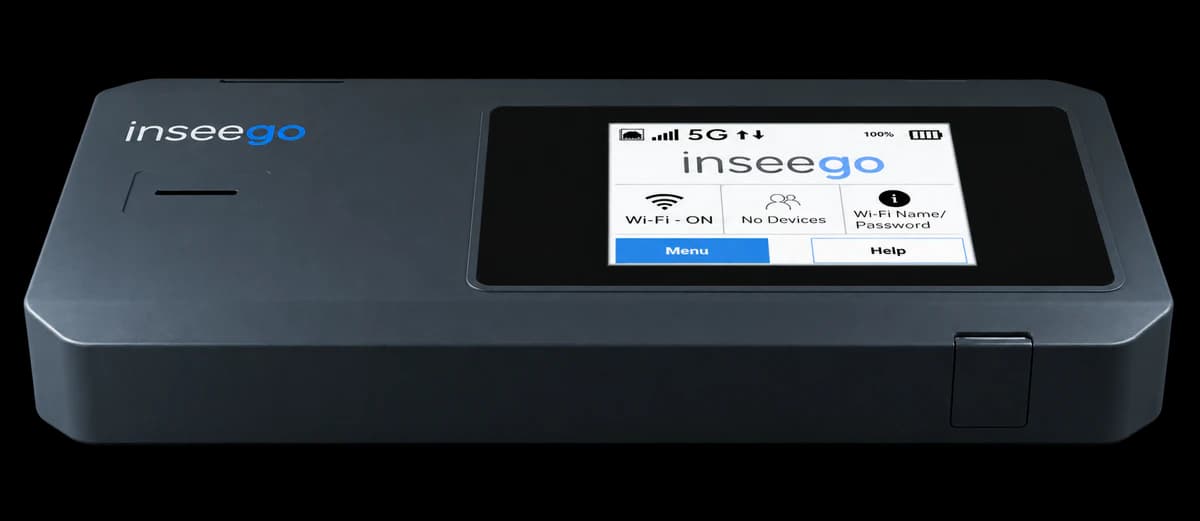
Inseego MiFi PRO M4 mobile hotspot with touchscreen

Inseego

MiFi PRO M4

Latest enterprise 5G mobile router

Build a secure, portable connectivity bubble for a temporary office, job trailer, event team, or mobile workforce. The latest MiFi PRO adds Wi-Fi 7, wired Ethernet, and centralized management for larger deployments.

Cellular
5G + 4G LTE
Connection
Wi-Fi 7 · up to 50 devices
Ethernet
Yes · 1GbE
Power
5,050mAh · 8+ hours
I/O
USB-C · 2× TS-9
Explore MiFi PRO M4 (opens in a new tab)
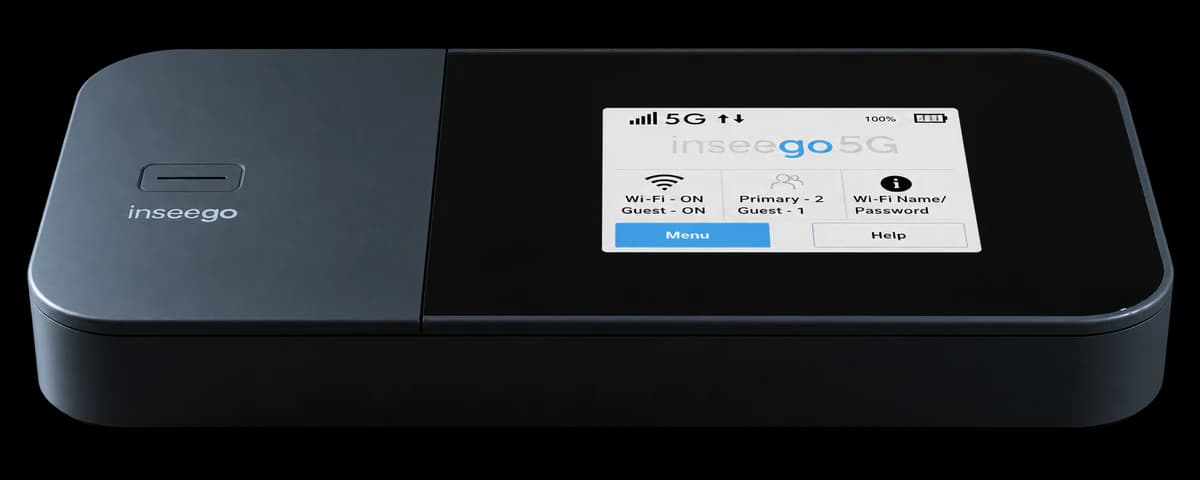
Inseego MiFi X PRO 5G mobile hotspot with touchscreen

Inseego

MiFi X PRO 5G

Business-grade 5G hotspot

A proven mobile hotspot for field teams and temporary sites that need 5G, Wi-Fi 6, Ethernet, USB tethering, guest Wi-Fi, and remote-management options in a compact battery-powered device.

Cellular
5G + 4G LTE
Connection
Wi-Fi 6 · up to 32 devices
Ethernet
Yes · 1GbE
Power
5,050mAh battery
I/O
USB-C
Explore MiFi X PRO (opens in a new tab)
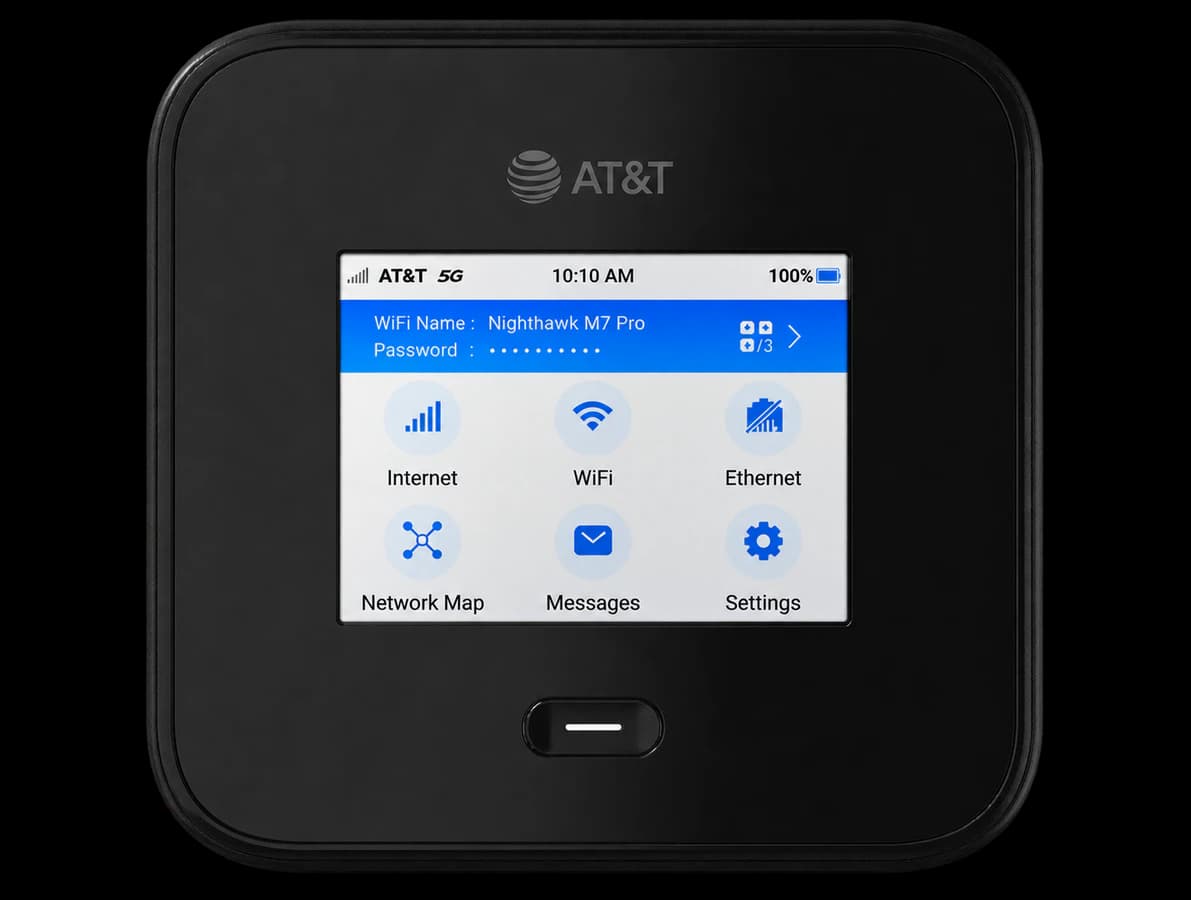
NETGEAR Nighthawk M7 Pro MR7400 mobile hotspot

NETGEAR

Nighthawk M7 Pro

High-capacity Wi-Fi 7 hotspot

A high-capacity option for temporary offices, conferences, field teams, and mobile workgroups that need next-generation Wi-Fi plus wired connectivity. The U.S. MR7400 model shown is offered for AT&T.

Cellular
AT&T 5G
Connection
Wi-Fi 7 · up to 64 devices
Ethernet
Yes · 2.5GbE
Power
Up to 13 hours
I/O
USB-C
Explore Nighthawk M7 Pro (opens in a new tab)
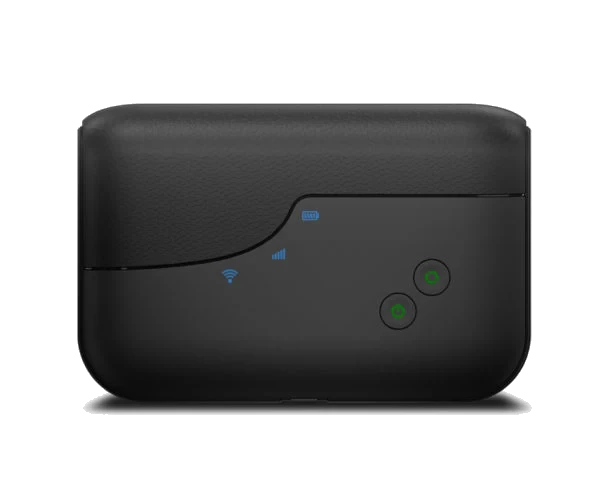
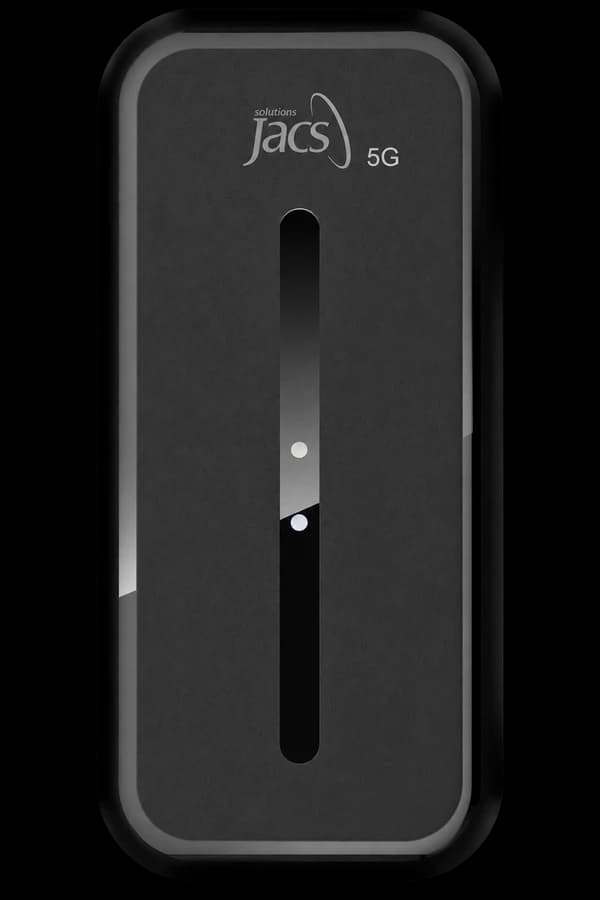
JACS TD0301 compact 4G LTE Wi-Fi hotspot

JACS Solutions

TD0301

Customizable 4G LTE Wi-Fi hotspot

A compact hotspot for controlled business, education, and remote-work deployments. JACS supports firmware customization for organizations that need more control over connectivity and default device settings.

Cellular
4G LTE
Connection
2.4GHz Wi-Fi · up to 10 devices
Ethernet
No
Power
2,000mAh battery
I/O
Micro-USB · nano-SIM
Explore JACS TD0301 (opens in a new tab)

Ready for the next deployment.

We prepare the connection as a deployable kit instead of shipping an unconfigured box.

  • Carrier & SIMMatch the exact SKU, plan, SIM, coverage, and expected data use.
  • Ready-to-use setupConfigure supported Wi-Fi, security, APN, management, and device settings before shipment.
  • Deploy & redeployKit power, cables, antennas, labels, instructions, spares, and recovery around the project.

Model availability and carrier compatibility vary by SKU and service provider. Published speeds, Wi-Fi capacity, coverage, and battery runtime are manufacturer maximums or ratings and vary with signal, network load, connected devices, configuration, and use. We confirm the exact device and carrier plan for each deployment.

All solutions

06 · Business connectivity

Business Internet & Wi-Fi

Connect your location, prepare a backup connection, and bring Wi-Fi to the areas where your team works.

Backup Internet
& Failover

When your primary internet connection drops, a cellular backup can help keep checkout, business applications, and communications available. We match compatible equipment and carrier service to the systems you need most.

  • Cellular routers and integration with your existing network
  • Automatic switching configured on supported equipment
  • Failover and return-to-primary testing
  • Essential traffic, data usage, and backup-power planning

Switching time and application continuity depend on the network design. Cellular coverage and power availability remain part of the backup plan.

Plan backup internet

A second path to the internet.

A typical failover setup

Primary connection

Your existing cable or fiber service

Cellular backup

Used when the primary connection is unavailable

Router with failover configured

Selects the available connection

Your essential business systems

Payments · Business apps · Team communications

All solutions

From requirements to ready

One plan for equipment, connectivity, and deployment.

Explore our capabilities
  1. 01

    Match the requirements

    Review the location, coverage, equipment, applications, and conditions.

  2. 02

    Prepare the equipment

    Coordinate connectivity, configure, test, label, and kit for the destination.

  3. 03

    Deploy and verify

    Arrange delivery or installation, check operation, and hand over access.

  4. 04

    Plan ongoing support

    Agree the support, replacement, refresh, and recovery responsibilities.

Let’s shape the solution

Tell us what needs to stay connected.

Share the location, the equipment, and the work it needs to support. We will help you plan the next practical step.

Start with your business need.

  • What needs to work, and where
  • The devices, cameras, or sites involved
  • Your timing and support requirements
Plan your solution(347) 292-1290

sales@wirelessallies.com